
Designing an Advanced Placement Learning Platform for Modern Students
EdTech Platform — UI/UX & Web Design
Client
AP Classroom
Role
Product Designer
Industry
Education Technology
Timeline
Mar 2025

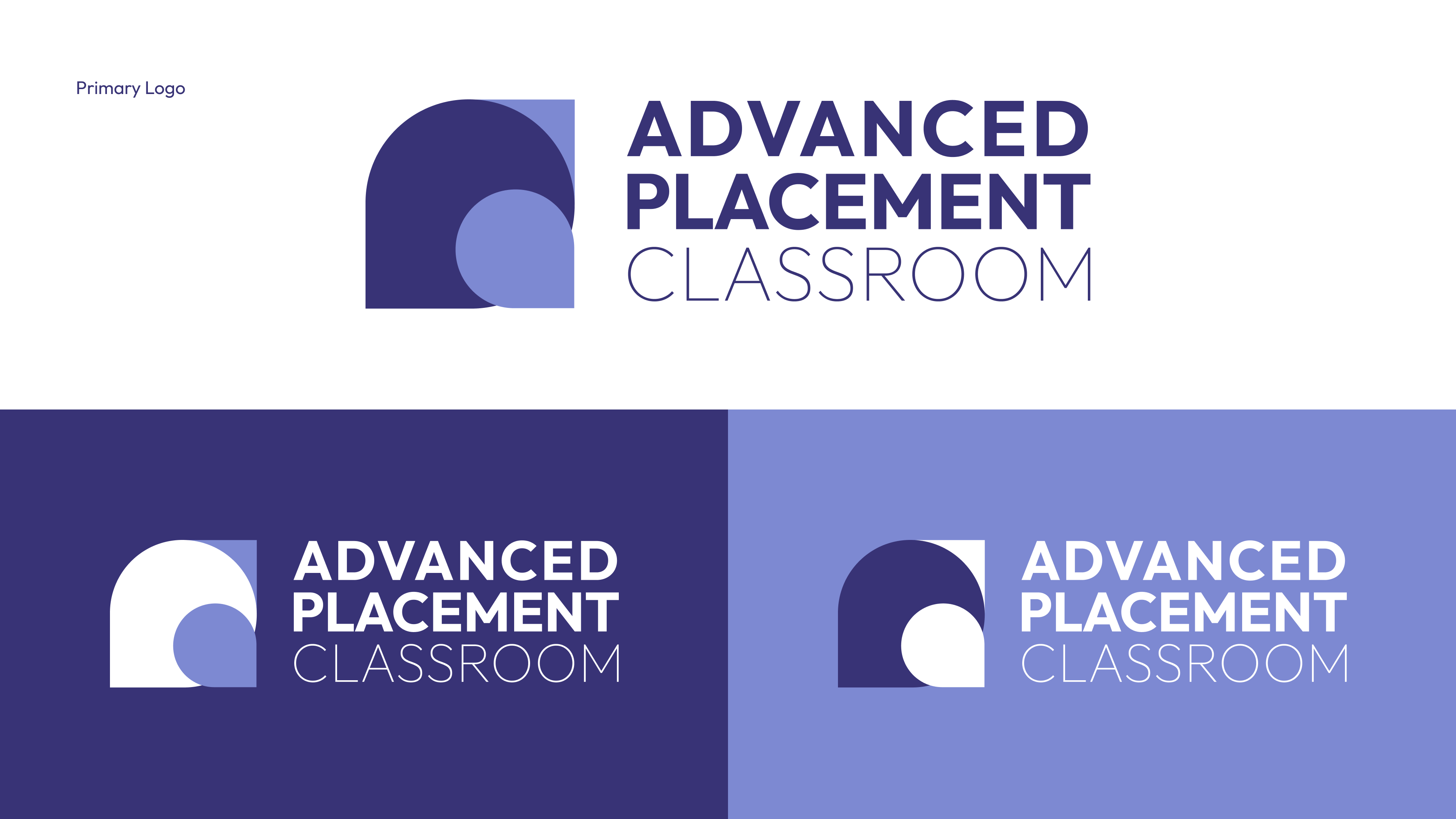
AP Classroom is a comprehensive digital learning environment built to support Advanced Placement students and educators. The platform combines structured course content, live sessions, practice assessments, and progress tracking — all within a clean, distraction-free interface.
Objective
Design a modern, scalable e-learning platform that simplifies AP course access for students, provides instructors with powerful content tools, and builds an engaging learning environment that drives better academic outcomes.
Key Challenges
- AP curriculum is dense — students needed a structured, non-overwhelming way to navigate it.
- Instructors needed tools to upload content, track student progress, and schedule sessions.
- The platform had to support both self-paced and instructor-led learning modes.
- Mobile accessibility was critical for students learning on the go.
Core Features
- Structured Course Modules: Topic-by-topic breakdown with progress indicators.
- Live & Recorded Sessions: Integrated video player with notes and timestamps.
- Practice Tests: Timed AP-style assessments with instant feedback.
- Student Dashboard: Visual progress tracking across subjects.
- Instructor Portal: Content management, student analytics, and scheduling.
Design System
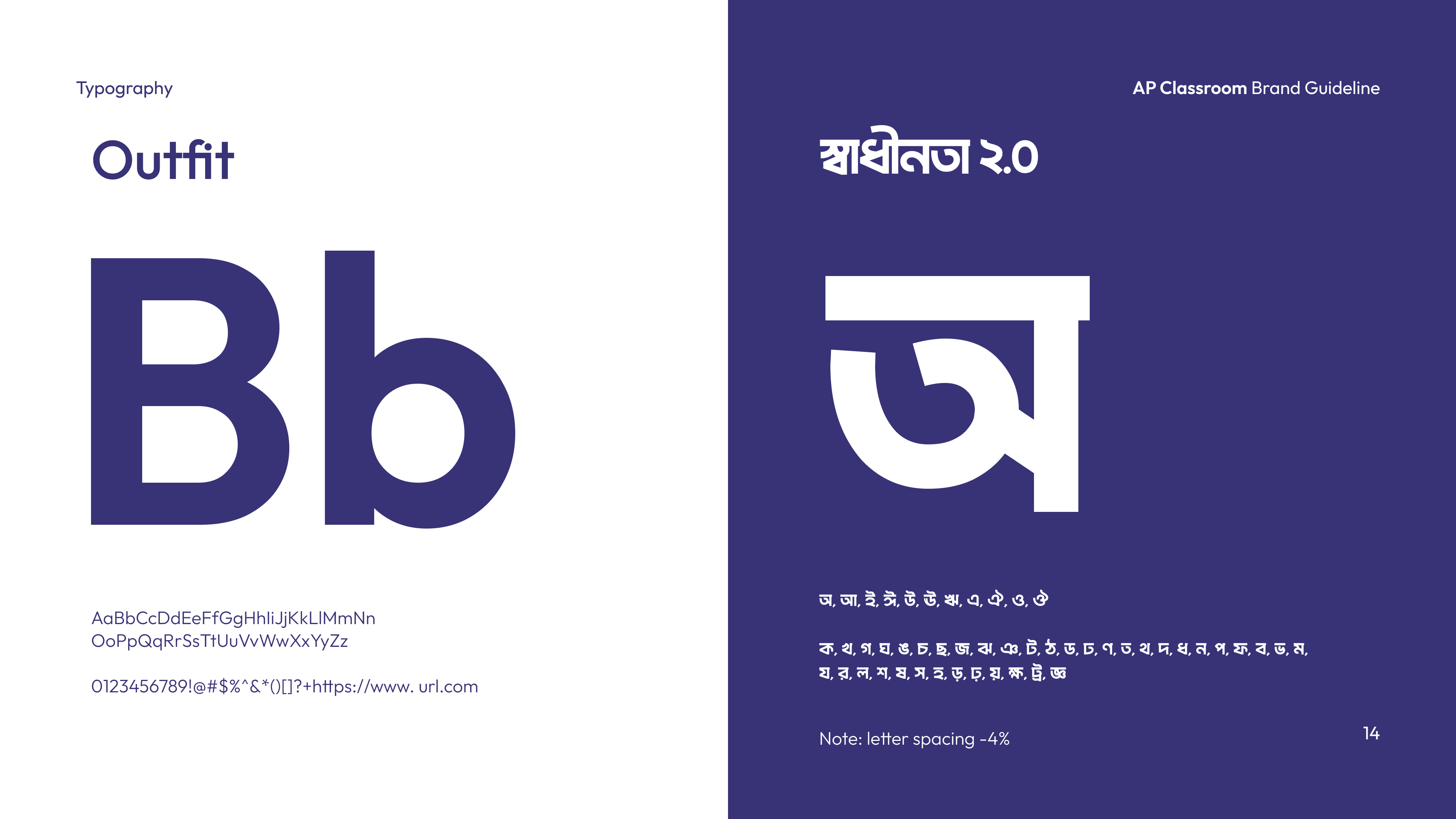
- Typography: Clear, academic-grade sans-serif (Inter) with strong content hierarchy.
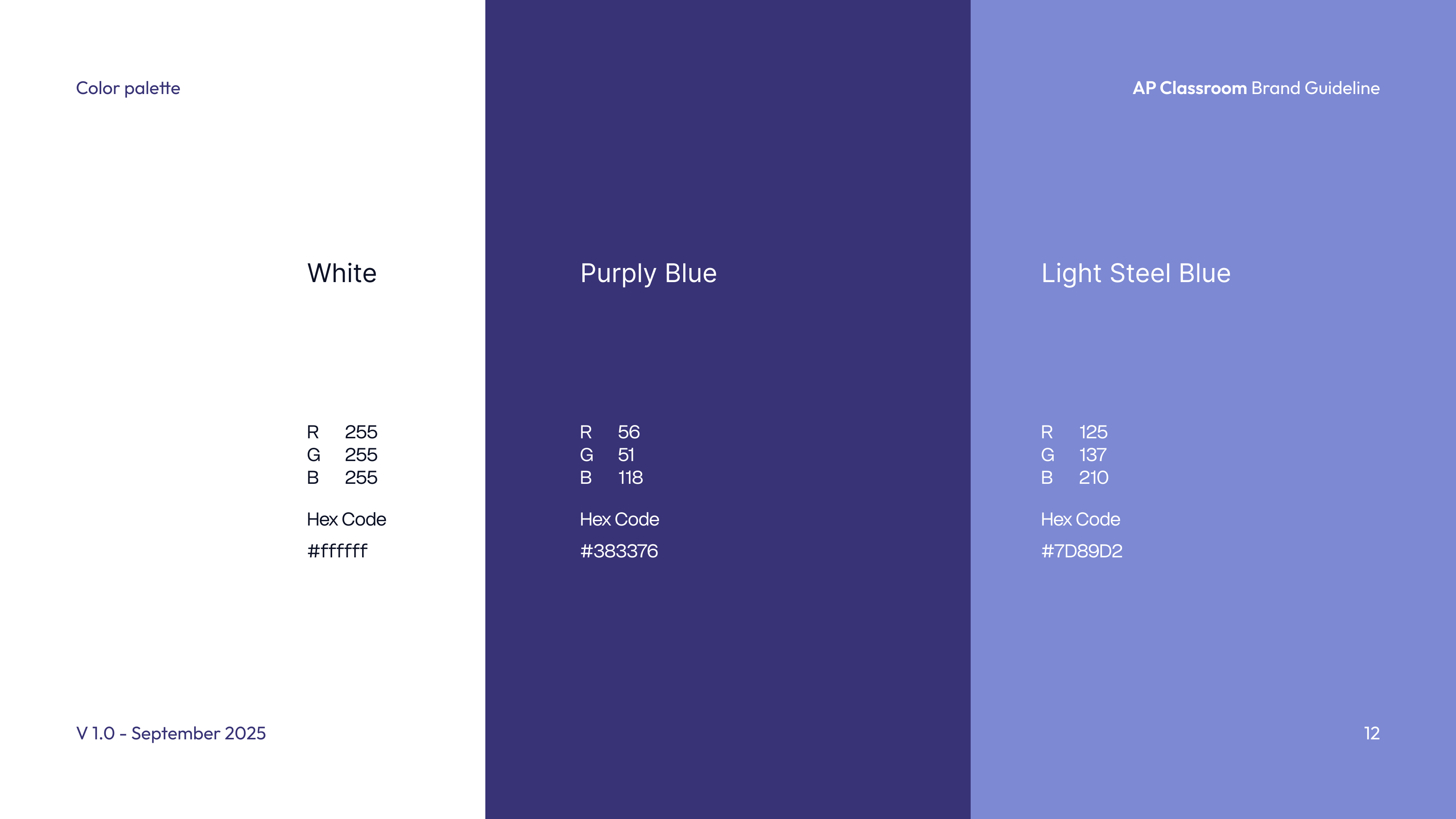
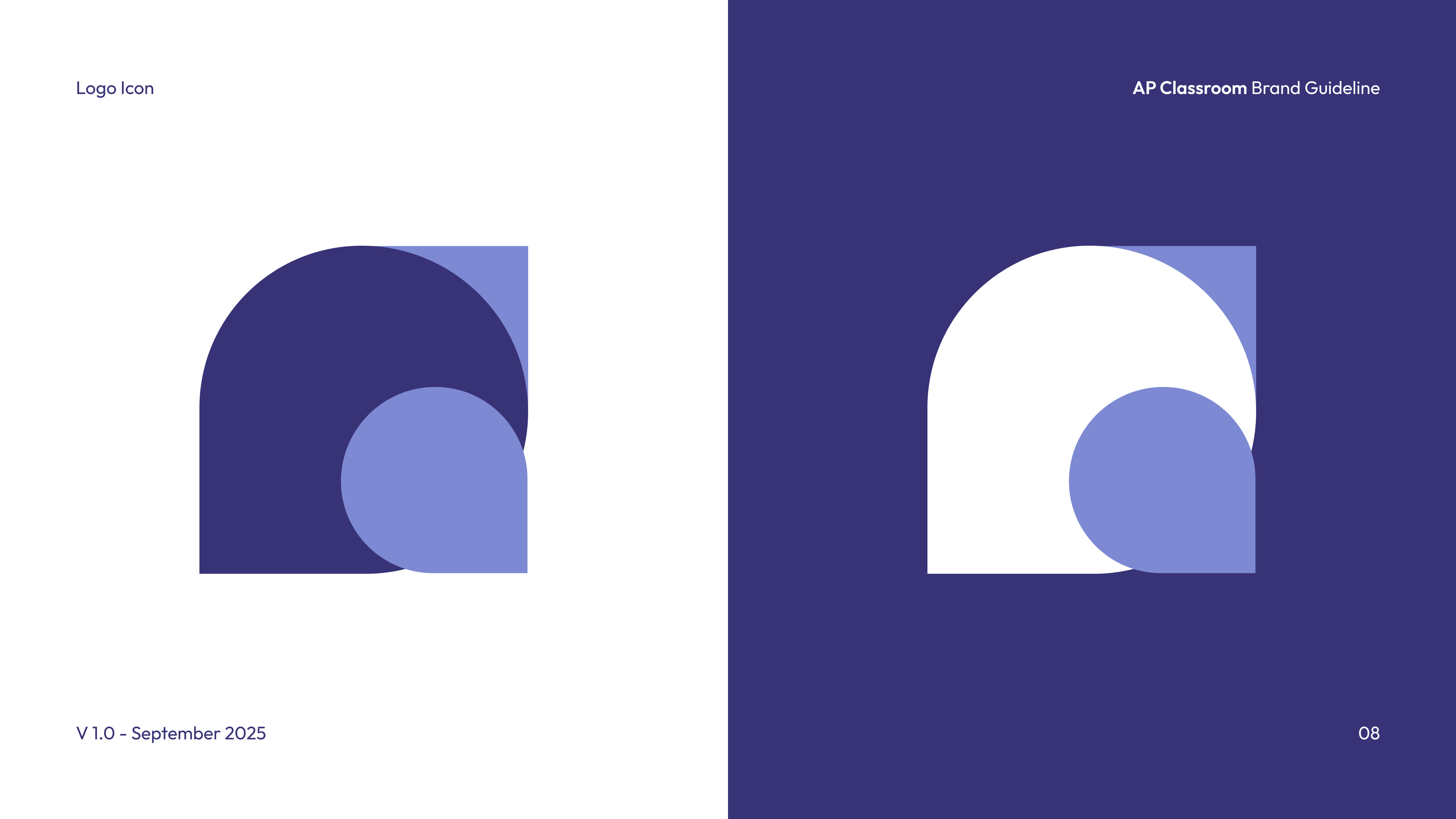
- Color Palette: Focused blues and whites for a calm, studious environment with accent highlights.
- Components: Course cards, progress rings, video player UI, quiz components, side navigation.
- Accessibility: High-contrast modes and keyboard-navigable components throughout.
Screen Highlights
- Onboarding flow with subject selection and pace preference.
- Course detail view with module navigator and video integration.
- Practice test interface with timer, question cards, and post-test analytics.
- Instructor analytics view with class-wide performance heatmaps.

Final Product
The final AP Classroom platform delivers a focused, structured, and engaging experience for both students and educators — purpose-built for advanced learning, refined through iterative design.

Additional Screens
- Mobile-first responsive layouts.
- Dark mode study environment.
- Community Q&A and peer discussion boards.

Outcomes & Impact
- Streamlined learning path reduced cognitive load for AP students.
- Instructor adoption increased with intuitive content management tools.
- Engagement metrics showed higher session duration vs. previous platform.
- Mobile-responsive design extended accessibility to students without desktops.
See more
of our works
Begilearner
Begilearner Is A Beginner-Focused E-Learning Brand That Makes Starting A New Skill Feel Exciting, Accessible, And Completely Achievable For Learners Of All Backgrounds.
LearnHabit
LearnHabit Is A Habit-Driven E-Learning Platform That Transforms Daily Learning Into A Rewarding Routine — Helping Users Build Knowledge Through Consistent, Bite-Sized Progress.